
YOUR HOME YOUR WAY
EY homing App
is a powerful smart building and home application software that can cater to future expansion, which can visualize and intuitively control electrical appliances and electrical equipment that comply with the KNX protocol, and can also realize customized functions for interconnection and interaction through voice control.
KEY FEATURES:
-
Support the creation of multiple families, and can independently manage each family and switch freely between multiple families.
-
Support inviting family members to the current family and sharing the device operation rights of the family.
-
Support the connection of various intelligent products under the KNX protocol, such as the EY7 smart screen of [EVER-YOUNG Smart Home], and realizes the display, management and control of related equipment.
-
Users can customize common equipment and common scenarios to improve operation efficiency.
-
The equipment list supports two classification methods: room and equipment type to meet different usage habits.
-
Support a variety of equipment types docking and control, such as switches, lights, curtains, HVAC equipment, background music, intelligent sensing, energy monitoring, intelligent screens, etc., and also supports equipment management and editing.
-
Support the creation and control of one-click scenes and automated scenes.
-
Support reading and displaying the KNX scene list of device configuration, and realize KNX scene control.
-
Support remote control, and can realize device and scene control through APP in various places.
-
Support LAN control. In the case of home network disconnection, it can be used with multi-function gateways to realize equipment and scene control (only KNX multi-function gateway can achieve this function, and smart screen products do not support LAN control).
-
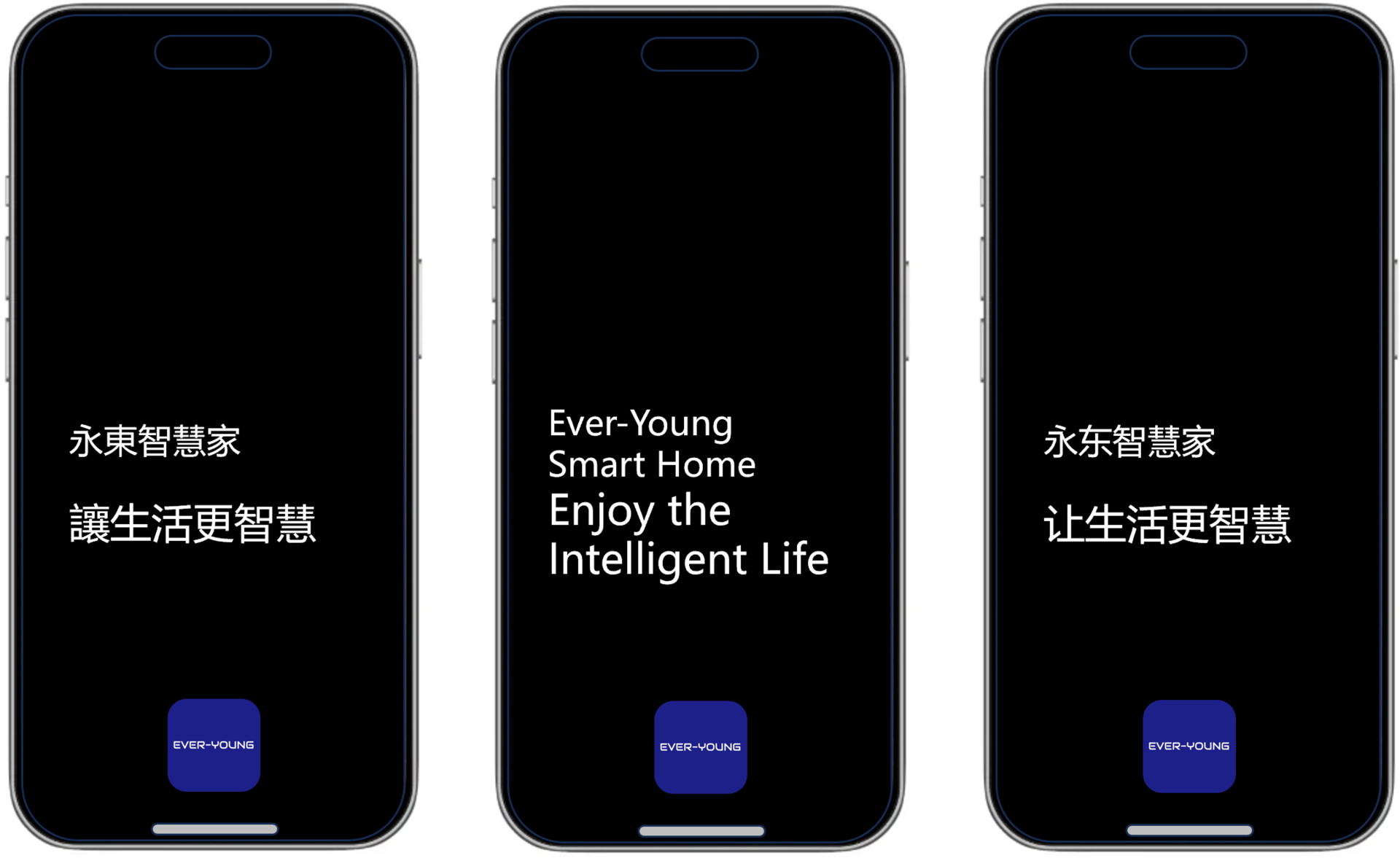
There are 3 kinds of interface voices to choose from, namely: traditional Chinese, English and simplified Chinese.
PrivacyProtectionAgreement
UserAgreement
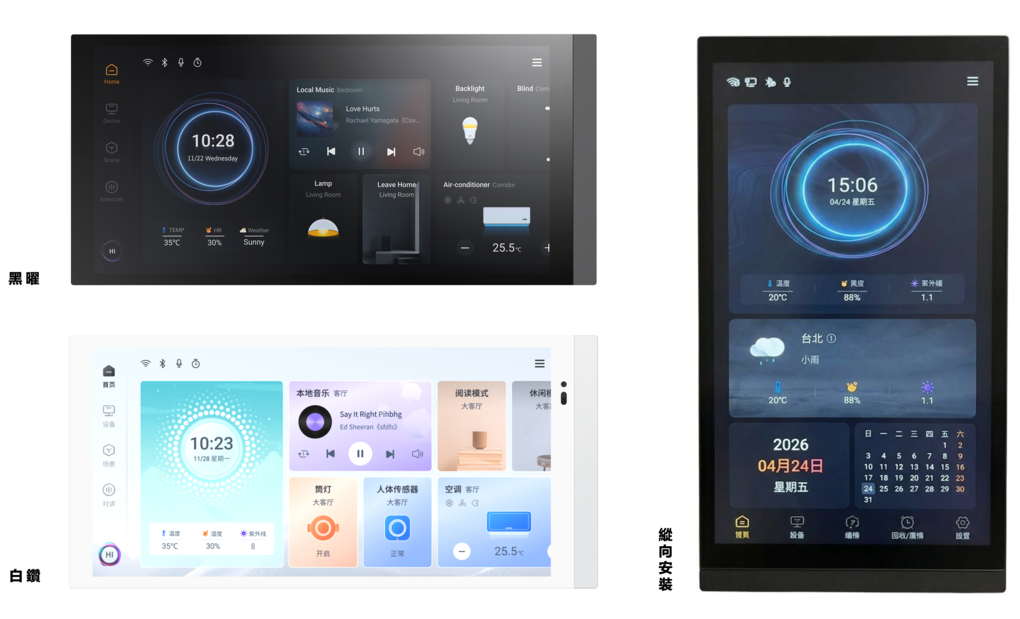
EVER-YOUNG Smart Home Touch Panel
Paired with two timeless colors — Obsidian Black / Diamond White — and available in two default models: EY7 / EY10, representing two suitable touchscreen sizes: 6.9" / 10.1". Users can freely choose to install the panel vertically or horizontally on a wall, with screen resolutions of 1440×720 (HD+) and 1280×800 (WXGA) respectively. In addition to integrating and managing KNX-protocol electrical devices, it also connects to a SIP intercom system, unifying indoor and outdoor environmental control into a single seamless experience.
The EY7 and EY10 come equipped with a powerful set of built-in functions: switching, dimming, blinds/curtains control, value sending, color temperature, color control (RGB, RGBW, RGBCW), background music, thermostat control, HVAC control, fresh air system control, and more. They not only support display of air quality sensor readings, energy monitoring values, and device status, but also support proximity sensing, illuminance detection, temperature and humidity sensing, and various other sensors — meeting the everyday needs of a wide range of environments. Additionally, they support scheduling, logic functions, and scene group functions to make your life smarter. As an indoor intercom unit, the device supports wired network connectivity, along with address book import, contact management, SIP video intercom calling, voice messaging, security monitoring, virtual zone management, and other common features. Further functions such as screensaver, screen lock, password access, scheduling, logic, and scene group are also supported.
The product also supports the connection of expansion sub-panel switches. Users can purchase compatible sub-panel switch accessories as needed, such as 4-button keypads, rotary knob panels, or rotary knob panels with camera, and can customize button and knob functions, ambient light colors, and effects directly through the screen — flexible and versatile for any combination.
Note: Both the EY7 and EY10 require not only KNX bus power supply, but also an auxiliary power supply of 12–30 VDC. Physical address assignment and parameter configuration can be programmed using the professional engineering tool ETS (version ETS 5.7 or above) with the corresponding .knxprod file.